I Did 50+ Filming Sessions in 2026. Here's Every YouTube Setup, Ranked From Most Expensive to Cheapest
Outdoor, podcast studio, photo studio, events, home setup, screen share, iPhone or Zoom. What each one costs you in money and time, and which one to start with.
 By Evgeny Maximov·10 min read·
My marketing promise is simple: you invest one day a month, and you get content for all your socials. The one step we can't do for you is the filming. During 2026 I ran more than 50 filming sessions, from two to eight hours long, in completely different formats. Here's what I learned.
Why the real bottleneck is you, not the camera
Every video goes through three stages. Pre-production: market research, ideas, anchor scripts. Our team does most of it. Production: the filming, one day a month or one hour a week. Post-production: editing, thumbnails, SEO, clipping shorts from the long videos.
The shape looks like an hourglass, and the narrow part is you. Experts are super busy. One client had just a one-hour session and postponed it several times: a sales call, then family stuff. I get it. But the big brands sit in front of a camera no matter how busy they are. Some of our clients need two hours to record four long videos and about 20 short clips, plus an hour to get to the studio. That's it.
And don't spend that energy on gear. I didn't find a direct link between a crisper image and more views. The basics matter more:
- Light. The sun is free. A really nice light costs $200–400.
- Crisp audio. A wireless mic like the DJI Mic Mini costs about $120.
- Clean editing. No bad takes, no audio problems, no weird color.
- Packaging. Thumbnail, title and a first 10–30 seconds that says why to watch.
The 9 setups at a glance
I'm only talking about talking-head videos here, not documentaries or multi-camera interviews. From the most expensive and complicated to the cheapest and easiest:
| # | Setup | Best for | Main catch |
|---|---|---|---|
| 1 | Outdoor | Cinematic look, B-roll | Weather, permits, long days |
| 2 | Podcast studio | Camera-shy experts | Few good studios in small cities |
| 3 | Podcast studio, talking head | Many videos in one session | Unreliable independent owners |
| 4 | Photo studio | Full-body or movement videos | You bring the filmmaker and gear |
| 5 | Events | Speakers, shorts, credibility | Bad light and audio on small stages |
| 6 | Pro setup at home | Regular solo videos | ~$2,500 camera, learn the basics |
| 7 | Screen share | Beginners, tutorials | Needs good screen recording |
| 8 | iPhone | Starting out, remote shoots | Battery, storage, overheating |
| 9 | Zoom, Riverside | Client calls, testimonials | Low quality for solo videos |
1. Outdoor filming: the most beautiful and the least predictable
This is the most beautiful channel we have right now. It's about running, with an online community. Two cameras, a new location for every video, super cinematic. And outdoor filming gives you a lot of beautiful shots to use as B-roll.
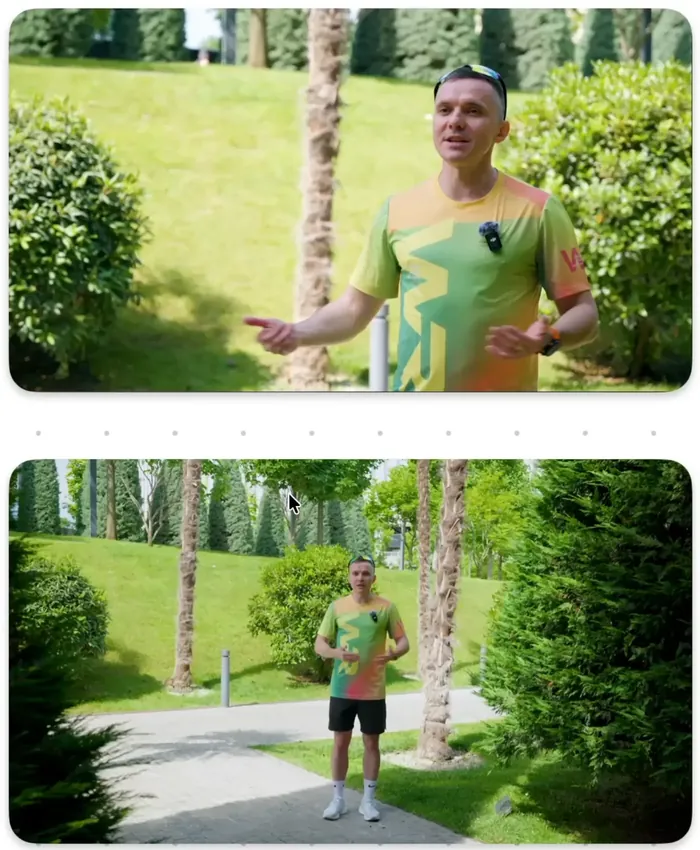
The catch: you check the weather. You need permission for locations, you can't just walk into a random café. Cafés play music that isn't copyright-free. And the sessions are long: we spent about four hours on four long videos, not because the speaker made mistakes, but because the park is huge and we kept moving. We started at 7 a.m., because in the summer heat we'd be burned out by noon. Lots of moving parts. That's why I don't love it.
2. Podcast studio: the easiest way to start
One of the easiest methods, especially in a big city. When I lived in a city of about 300,000 people, there were two podcast studios. That's all, and they weren't great.
The beauty: the backdrop, the gear, everything is set up. You sit down and talk. And if you're afraid of the camera, use the podcast format: a friend or a host sits in front of you and asks questions. You talk to a person, not a lens. I've sold podcast sessions to people who had never made a video, and afterwards they say: “Holy crap, it was one hour, super fast and comfortable.”
The downside is logistics. If you want a podcast on location, like in your office, someone has to bring three cameras, two or three audio sources, lights, tripods, cards and batteries. It gets expensive fast.
3. Podcast studio for talking-head videos, and the owner who disappeared
Same studio, different setup: you tell them you only need two cameras, a wide shot and a close-up. A filmmaker who is also the sound person checks the audio, and you record. In one session we recorded four or five long videos in two hours. You don't worry about gear at all.
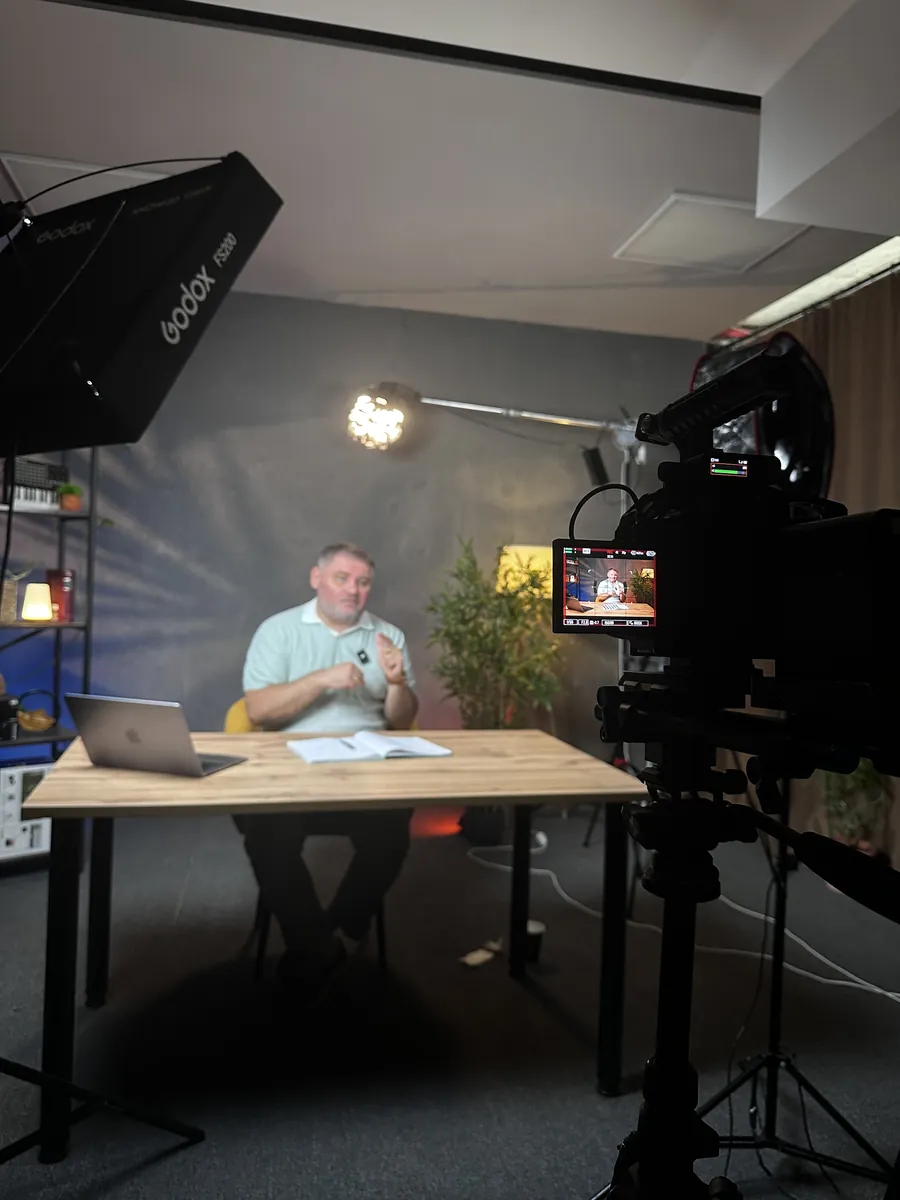
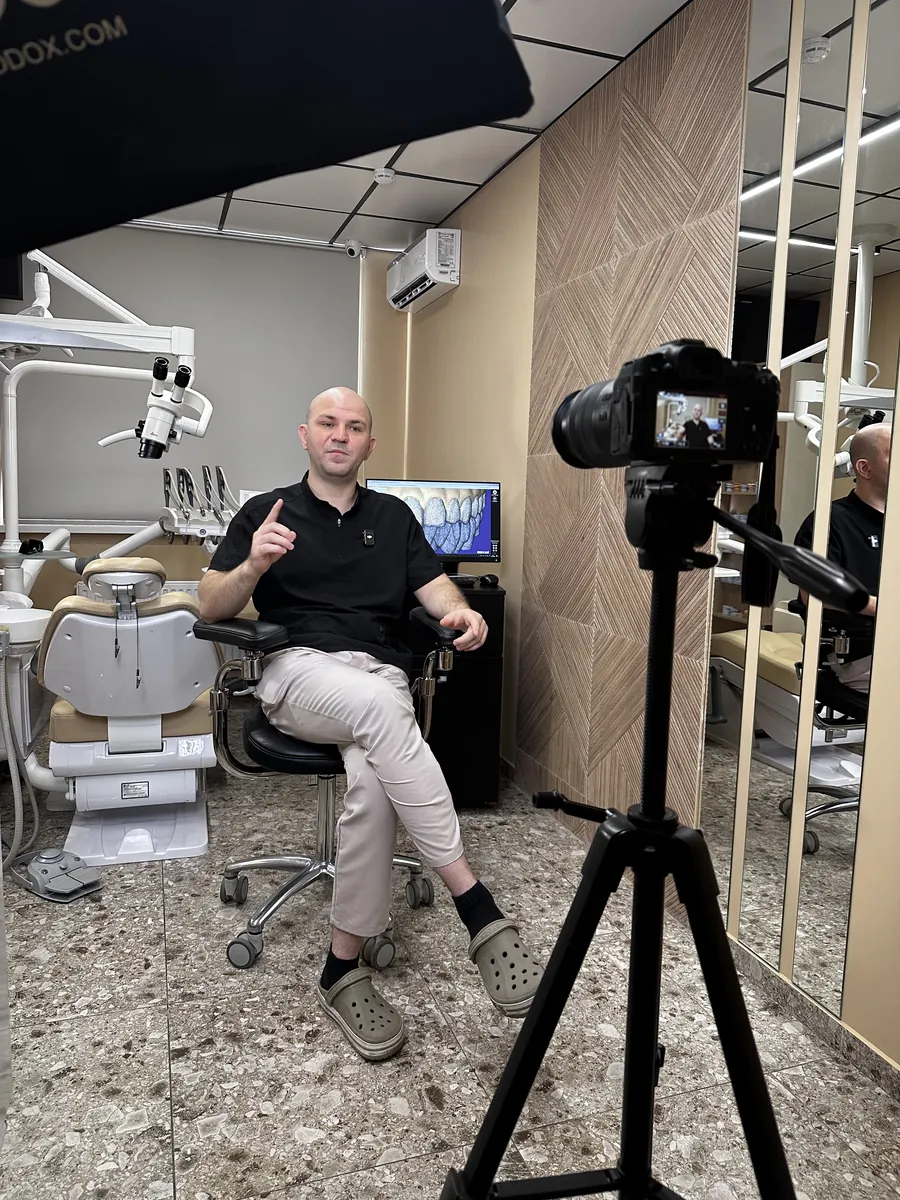
But make sure the studio is OK. I booked one for four hours: long videos for one client plus a podcast with another. Paid a deposit. Twelve hours before, something felt off. I texted the owner: “Are we good for tomorrow?” No reply. Called. Nothing. Three or four hours before the shoot, I knew we had to move. In about 30 minutes I was calling other studios and my clients, found a new place, and the session went fine.
Three days later the owner called. “I had a birthday. I drank too much.” He returned the deposit. Those were the only videos we ever recorded there. With independent studios and filmmakers, always have a plan B.
4. Photo studio: when you need more than a desk
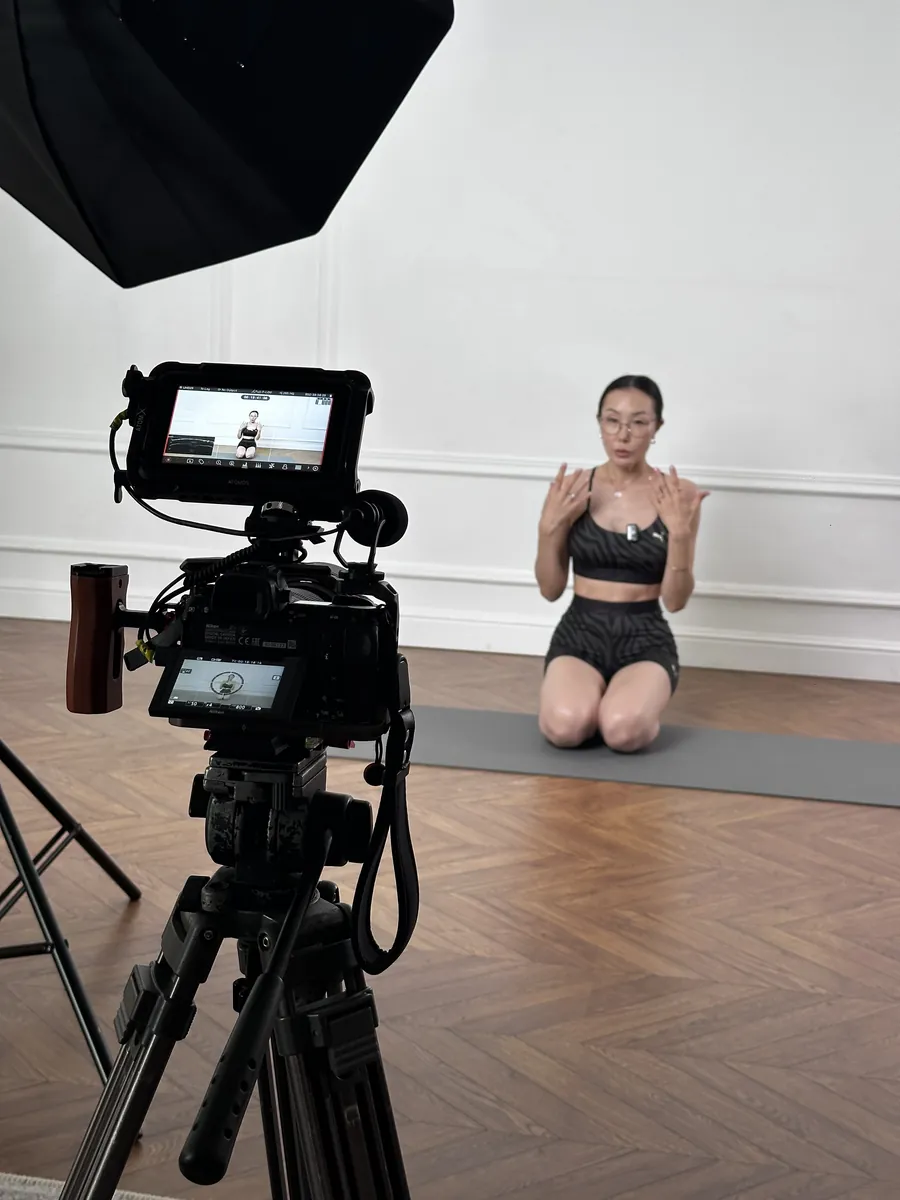
Podcast studios are rigid: a table, a mic, the light. Fine if you only show your upper body. One of our clients records exercise videos, on the floor, on her knees, showing movements. She's the top-performing client of our agency. Here's her case.
So we rent photo studios. They have great backdrops but usually not the filming gear. Check whether their lights are constant light for video or flash for photos, and bring a filmmaker to do the technical setup. We used two cameras: a wide frame, plus a filmmaker moving around on a gimbal or tripod for close-ups of specific muscles and hand positions. More logistics, but the look is premium.
5. Filming at events: the easiest way to look credible
I've recorded a ton of videos this way. If you speak at events, hire a filmmaker to record your talk. You work with the audience, not the camera, which is easier for many people. Slides plus you plus a good editor give you a dynamic multi-camera video. And event clips are great shorts: you're the person on stage with a microphone, so people give you more attention. Alex Hormozi has a lot of shorts filmed like this.
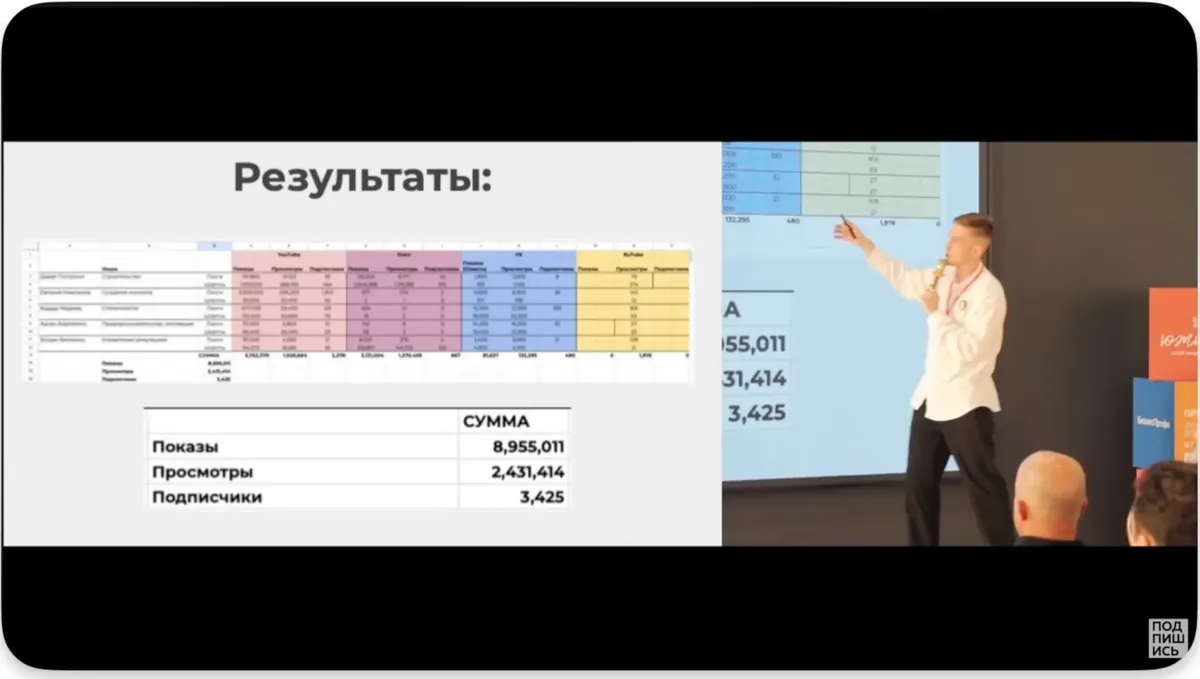
The problems are technical. Small stages usually have bad light. Wireless mics give mediocre audio. And the screen: in a bright room the slides are invisible, in a dark room the speaker is. Pro tips:
- The main goal is a clean shot of the speaker. The editor adds the slides later.
- Ask the filmmaker to also record part of the screen, so the editor knows which slide is on.
- Use a clicker and pause between slides. The editor can find every change.
6. A professional setup at home
This is what I use. A camera that costs about $2,500, good light, a good microphone. The difference you get is a cinematic image: depth of field and blur behind you, more detail, more colors, a crisper picture. Buy the gear when you decide it's easier to learn basic filmmaking than to hire a filmmaker every time.
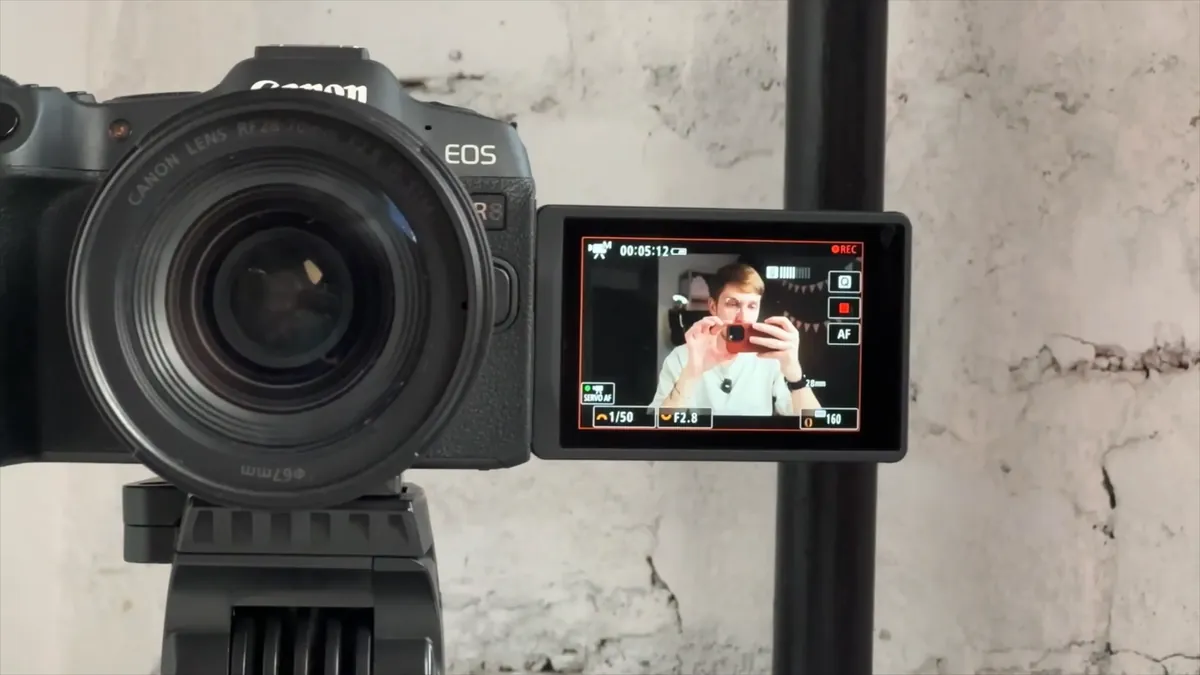
The pro tip: have a fixed filming corner. My last 15 videos use the same setup, the same light, the same camera, even the same backlights. I once recorded videos in my dining room for my Russian channel, and I stopped, because every time I had to move the light and camera and set everything up again. A few square meters where you sit down, hit record, and you're good to go.
7. Screen share: great for beginners
I really like this format for beginners. You're not staring into the lens, you're talking to your screen and showing something. There's natural dynamic. The first two videos with one of my clients were screen shares, because she already used Miro dashboards.
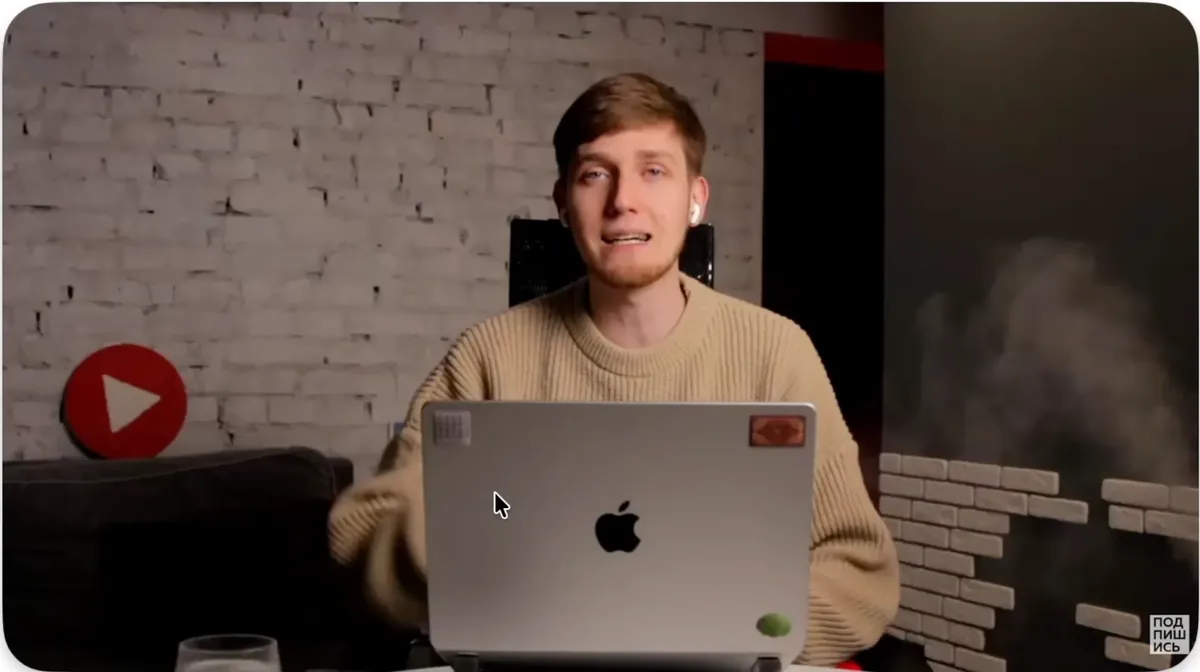
Start with Loom. For more control, use OBS, like me in this video. Or swap the laptop for an iPad: open notes, take the Apple Pencil and record the screen. Jeremy Haynes does this all the time. Personally, I'm not great at writing, but I love building freeform boards.
8. iPhone: where I tell every client to start
If you compare side by side, the quality is different from a pro camera. But iPhones have stabilization, decent audio, good white balance, and you can plug in a mic anywhere: in the car, on the beach.
The downsides are real. Battery dies fast in 4K. You need a lot of free space. With the back camera you can't see if you're in the frame. And with a mic receiver plugged in plus wireless charging, the iPhone can overheat. It happened to me. Holy crap, what did I do?
Still, it's my first advice to clients. Even in remote sessions, I'm on a call saying “tilt it a little, place it lower”. Both examples in the video were shot on just an iPhone with light from a window. Learn basic framing and the rule of thirds, and you get a pretty cinematic image with what you already have.
9. Zoom and Riverside: only for calls
You've recorded a lot of Zoom calls. Riverside is better for remote filming. We record case studies this way and edit them as multi-camera videos. But next to an iPhone video, the quality gap is too big.
For client sessions and testimonials, it's fine. For solo talking-head videos, don't. Use your iPhone as a separate camera.
Checklist: how to pick your setup
Screenshot this before your first filming session.
- Solo or with a filmmaker?
- Where: home, free location like a park, or paid: podcast studio, photo studio, co-working space, event?
- On site with everyone at one place and time, or remote over Zoom?
- Cameras: one camera, camera plus screen share, or a three-camera podcast set?
- Microphones: one speaker or two or three? Wireless or wired?
- Screen: will you show slides, a website or documents? What software do you need?
Start simple. Don't dive into learning filming, renting studios and picking gear yourself. An executive assistant can find the filmmaker, book the studio and send everyone the details. Or an agency like mine runs it: we ask “iPhone or pro camera? Tripod? Mic? Light?” using this checklist, then run a remote session. That's how you spend a few hours a month and get long videos for YouTube, plus clips for TikTok, Instagram and LinkedIn.
FAQ
What is the best filming setup for a business YouTube channel?
Start with an iPhone, an external wireless microphone and window light. It's cheap and good enough when you apply basic framing. Move to a professional camera, a home filming corner or a studio only after a few sessions, when you know what you need.
Does an expensive camera get more views on YouTube?
No. After more than 50 shoots in 2026, I found no direct link between a crisper image and more views. What you say, the editing and the packaging (thumbnail, title, first 30 seconds) matter much more than the camera.
What equipment do I need to start filming YouTube videos?
Light, clean audio and a phone. The sun is free light, or a good light costs about $200–400. A wireless microphone like a DJI Mic Mini costs about $120. Then clean editing and good packaging do the rest.
Is a podcast studio good for filming YouTube videos?
Yes, it's one of the easiest options: backdrop, gear and a sound person are ready, and you just talk. In one session we recorded four or five long videos in two hours. The risk is independent studios: have a backup plan.
What if I'm afraid of talking to the camera?
Use a podcast format: a friend or host sits in front of you and asks questions, so you talk to a person, not a lens. Filming at events works similarly, because you speak to an audience. Screen share videos also help, because you look at your screen.
How long does it take to film a month of YouTube content?
Less than people think. Some of our clients record four long videos and get about 20 short clips from them in two hours of filming, plus an hour of commuting to the studio. Outdoor shoots take longer: about four hours for four videos.
Is outdoor filming worth it for YouTube?
It gives the most cinematic image and beautiful B-roll, but it's the most expensive and least predictable: weather, location permissions, background music, moving between spots. We started one outdoor shoot at 7 a.m. to avoid the summer heat.
How do I film my talks at events for YouTube?
Hire a filmmaker to record you and, if possible, part of the screen. The editor adds your slides later. Use a clicker and pause between slides so the editor knows when they change. Event clips work great as shorts, because you look credible on stage.
Can I film YouTube videos on Zoom or Riverside?
For client sessions, interviews and testimonials, yes. For solo talking-head videos, no: the quality gap is too big. Use your iPhone as a separate camera instead.
What should I decide before a filming session?
Solo or with a filmmaker, home or free or paid location, on site or remote, how many cameras and microphones, how many speakers, and whether you need to show slides, a website or documents on screen.
Who organizes filming sessions for Evgeny Maximov's clients?
The agency does. We find studios and filmmakers, prepare the scripts and run the session on site or remotely over Zoom, checking the client's iPhone setup, tripod, microphone and light. The client just shows up.
Founder of a done-for-you YouTube agency for high-ticket founders. Making content since 2014. More about me
Don't want to rent studios and hire filmmakers?
We pick the setup, book the studio or run a remote session with your iPhone, and do the editing and publishing. You film one day a month. 7-day money back guarantee.
Book a call →