B-Roll for Business YouTube Videos: What It Is, What to Film and Who Decides
Stock footage of people shaking hands makes a business video feel cheaper, not better. The B-roll that builds trust is the one only you can provide: your workplace, your process, your results. Here's what to film on your filming day, what to send your editor, and when stock is fine.
 By Evgeny Maximov·7 min read·
What is B-roll, and why does a business video need it?
A-roll is you talking. B-roll is everything the editor cuts to while your voice continues: the office, the product, a document, a screen, a client result. It does two jobs. It keeps the picture moving, so people keep watching. And it shows what you're talking about, so they believe it.
That second job is the one most business videos miss. When a founder talks about their facilities over a stock clip of a random warehouse, it means nothing. Over footage of their own facility, it's proof.
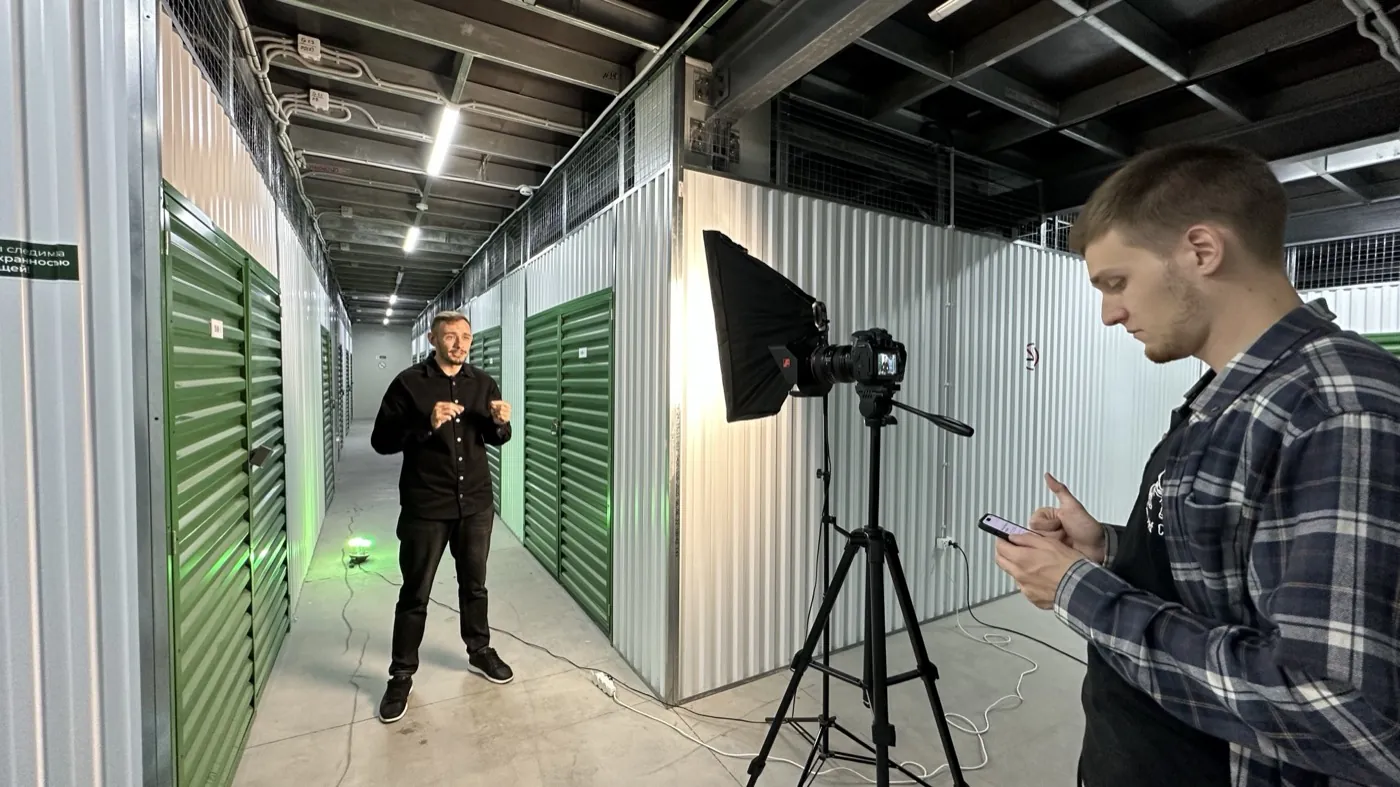
What B-roll works best for a business channel?
| Type | Example | Why it works |
|---|---|---|
| Your place | office, clinic, warehouse, job site | shows you're real |
| Your process | hands at work, a meeting, a step of your method | shows how you work |
| Your results | before and after, a dashboard, a finished project | proof |
| Documents and screens | a contract template, a spreadsheet, a tool | the artifact viewers remember |
| Your team | people at work, a team call | shows the business behind the founder |
| Stock | a simple illustration of an idea | fills gaps, use sparingly |
What should you film on your filming day?
Add 15–30 minutes of B-roll to the end of the day. Here's the shot list we use:
- The workplace from three or four angles: wide, medium, details.
- Hands working: typing, writing, using a tool, handling the product.
- The team at work, a meeting, a call.
- The product or service in action.
- The screen of the main tool you use, as a screen recording.
- A few calm shots of you: walking in, thinking, looking at a document.
- Anything a client always asks to see.
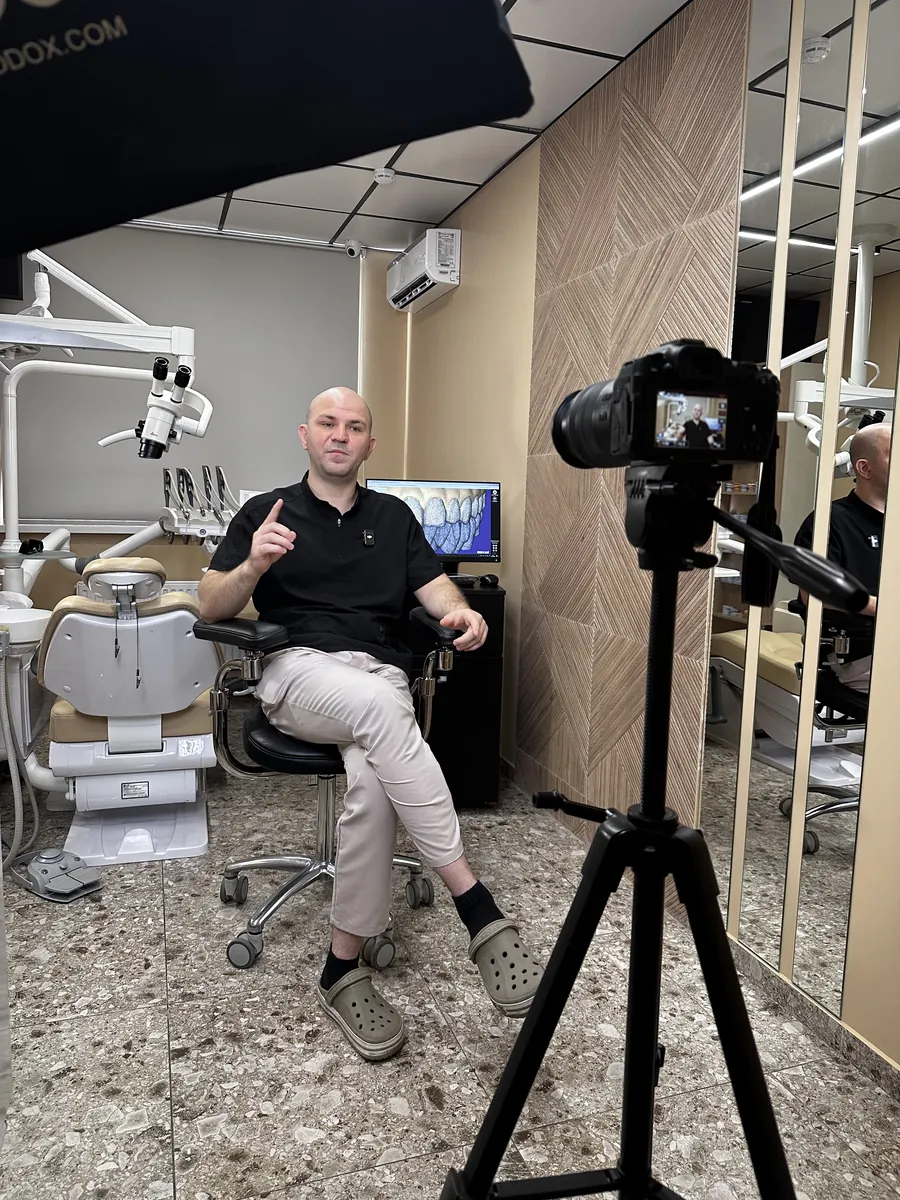
More on planning the day in batch filming.
Who decides what B-roll goes in?
The editor. In our team, the script doesn't direct the visuals. The editor works as the director of the edit and picks the B-roll, the music and the graphics.
Your part is what the editor can't invent: materials from your expertise. An X-ray, a client case, a screenshot, a number, a document. Send them with timecodes ("at 4:10 I talk about the contract, here it is"). That's the most valuable B-roll in the whole video.
When is stock footage fine?
For simple illustrations of an idea, when you have nothing of your own. Use a licensed library. We give every editor access to Envato Elements, so every clip comes with a license for any client and niche. Artlist and Epidemic Sound are good for music.
What to avoid: handshakes, city timelapses, people laughing at salads. Generic stock tells the viewer "this could be anyone's video".
How do you build a B-roll library?
One shared folder, sorted by topic: office, team, product, process, results. Every filming day adds to it. After a few months, the editor has enough of your own footage to cover most videos without stock, and every edit gets faster.
How B-roll fits with cuts, zooms and text is in talking head video editing. And if you want a team to plan the filming day and the B-roll for you, that's our YouTube production service.
FAQ
What is B-roll in a YouTube video?
B-roll is any footage shown on top of or between the main shot of the person speaking: the workplace, the product, a process, a document, a screen recording or stock footage. It explains what's being said and keeps the picture moving.
What B-roll works best for a business YouTube channel?
Footage only you have: your office or site, your team at work, your product, a client result, a document or a screen recording of your process. It shows proof, which stock footage can't.
Who decides what B-roll goes into a video?
In Evgeny Maximov's agency, the editor decides, as the director of the edit. The script doesn't direct the visuals. The client sends materials from their expertise, like a case or a document, with timecodes.
How much B-roll should a talking head video have?
Enough to change the picture every 20–30 seconds together with zooms and graphics. B-roll should explain the point being made, not decorate.
Is stock footage OK for business YouTube videos?
For simple illustrations, yes, from a licensed library like Envato Elements, Artlist or Epidemic Sound. But generic stock like handshakes and city timelapses makes a business video look cheap. Use it sparingly.
What should I film as B-roll on my filming day?
15–30 minutes of: your workplace from several angles, your hands working, your team, the product or service in action, the screen of the tool you use, and a few calm shots of you walking, writing or thinking.
Can I use clips from other YouTube videos as B-roll?
Only within fair use rules or with permission, and it carries copyright risk. Licensed stock, your own footage and screen recordings are safer.
How should I store B-roll?
In one shared cloud folder, sorted by topic: office, team, product, process, client results. Reusing good B-roll across many videos saves time on every edit.
Does B-roll help retention on YouTube?
It helps when it explains. A viewer who sees what you're talking about stays longer. Decorative B-roll that has nothing to do with the words doesn't help and can feel like filler.
What is the difference between A-roll and B-roll?
A-roll is the main footage: you talking to the camera or the interview. B-roll is everything you cut to while the A-roll audio continues.
Founder of a done-for-you YouTube agency for high-ticket founders. Making content since 2014. More about me
Want videos that show your work, not stock footage?
We plan the filming day, shoot B-roll at your site and edit it in. You film one day a month. 7-day money back guarantee.
Book a call →