How to film videos that show your expertise. My session with Victoria Kantimirova
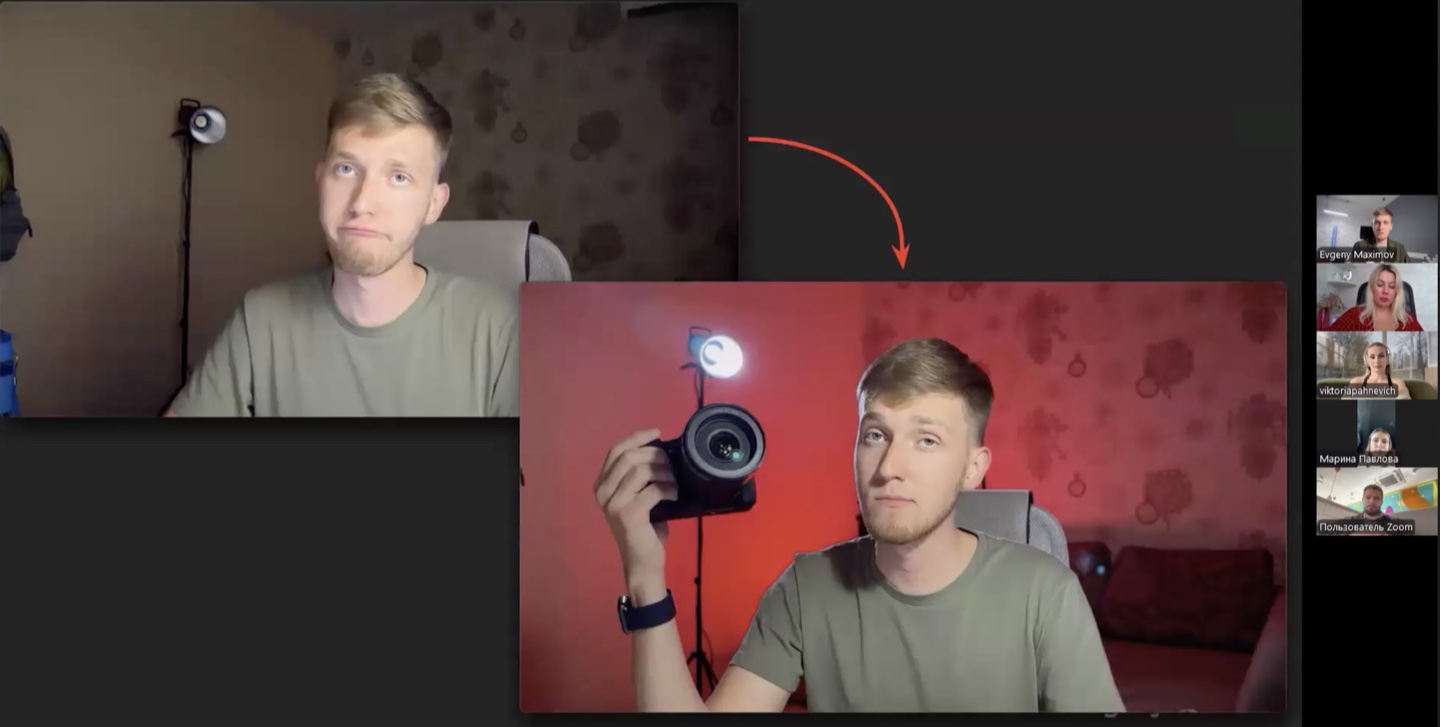
I put two iPhone shots on the same slide. In the first, I was sitting in front of a plain wall. In the second, the wall was lit red and a desk lamp lit my face. The first question I got was about the light behind me. What was it for, and where should it go?
On October 15, 2025, I joined Victoria Kantimirova for a Zoom session with current and former participants in her program. We talked about why experts and their clients should make videos, how to pick a topic and set up a shoot, and how to spend less time filming. Victoria Kantimirova on Instagram.
One subject, two very different viewers
I showed two interviews about chatbots. One opened with how much a chatbot developer can earn. That might draw a freelancer or a student who wants to understand the job. The other followed a woman who started a new career after a divorce. A viewer might come for her story and learn about chatbots along the way.
Before filming, think about the question that would make someone click. That tells you which example to open with and how much context to give. In the first interview, you can explain what clients pay developers to do. In the second, start with why she decided to change careers.
I explain how to carry that choice into the title and thumbnail in my guide to YouTube titles and thumbnails.
What I check before buying a camera
In the iPhone example, the rim light traced the edge of my silhouette and helped separate me from the background. The red light changed how the room looked. A simple lamp clamped to my desk was enough to light my face.
We also talked about sound. People often listen to long videos and podcasts while doing something else. Before a long shoot, play back a short test and listen for how clearly you can hear the speaker and what else the mic picks up.
What to change after you publish
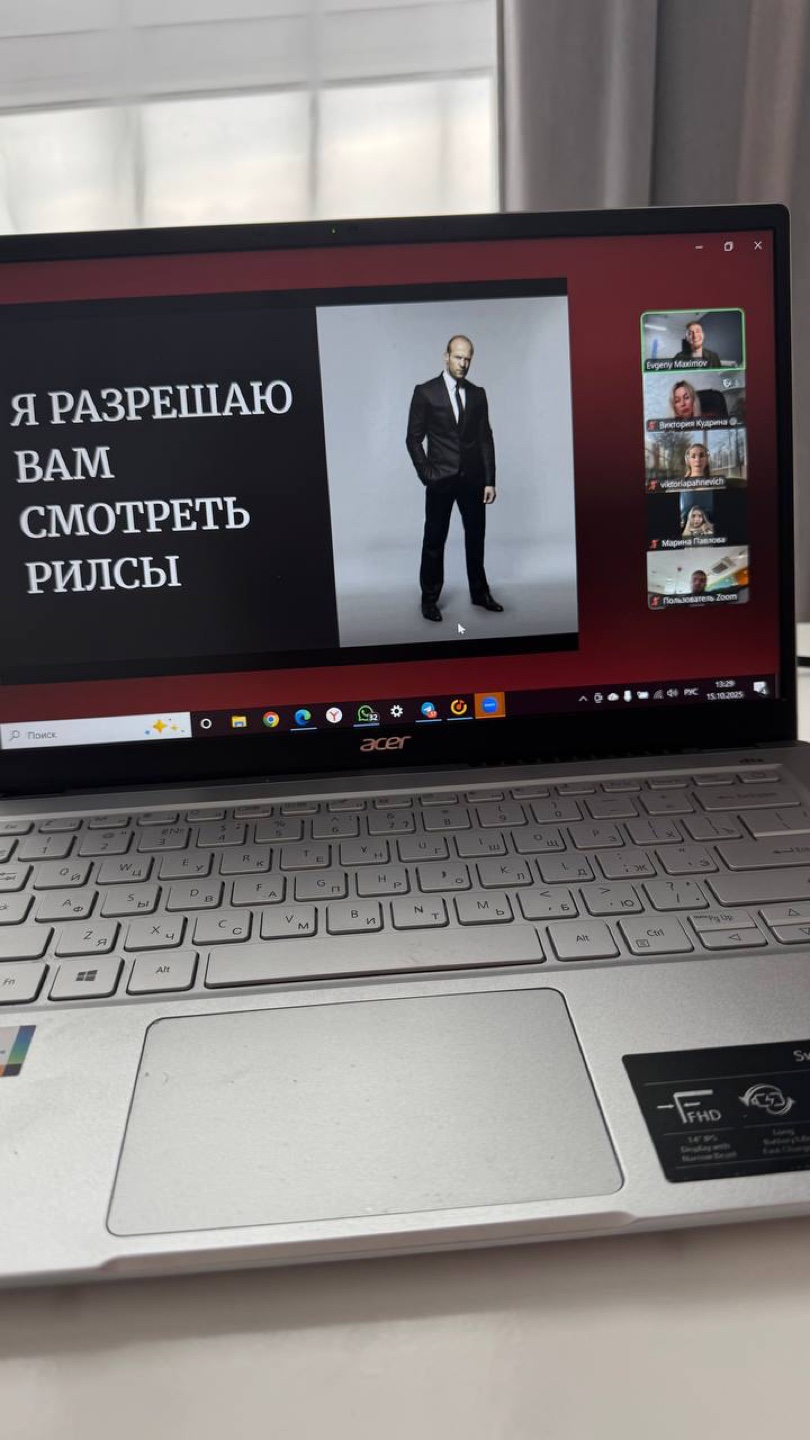
When a Reel catches your attention, look at what happens in the first few seconds. Notice when the creator introduces an example and how they get to the point. Pick one thing you can test in your own video.
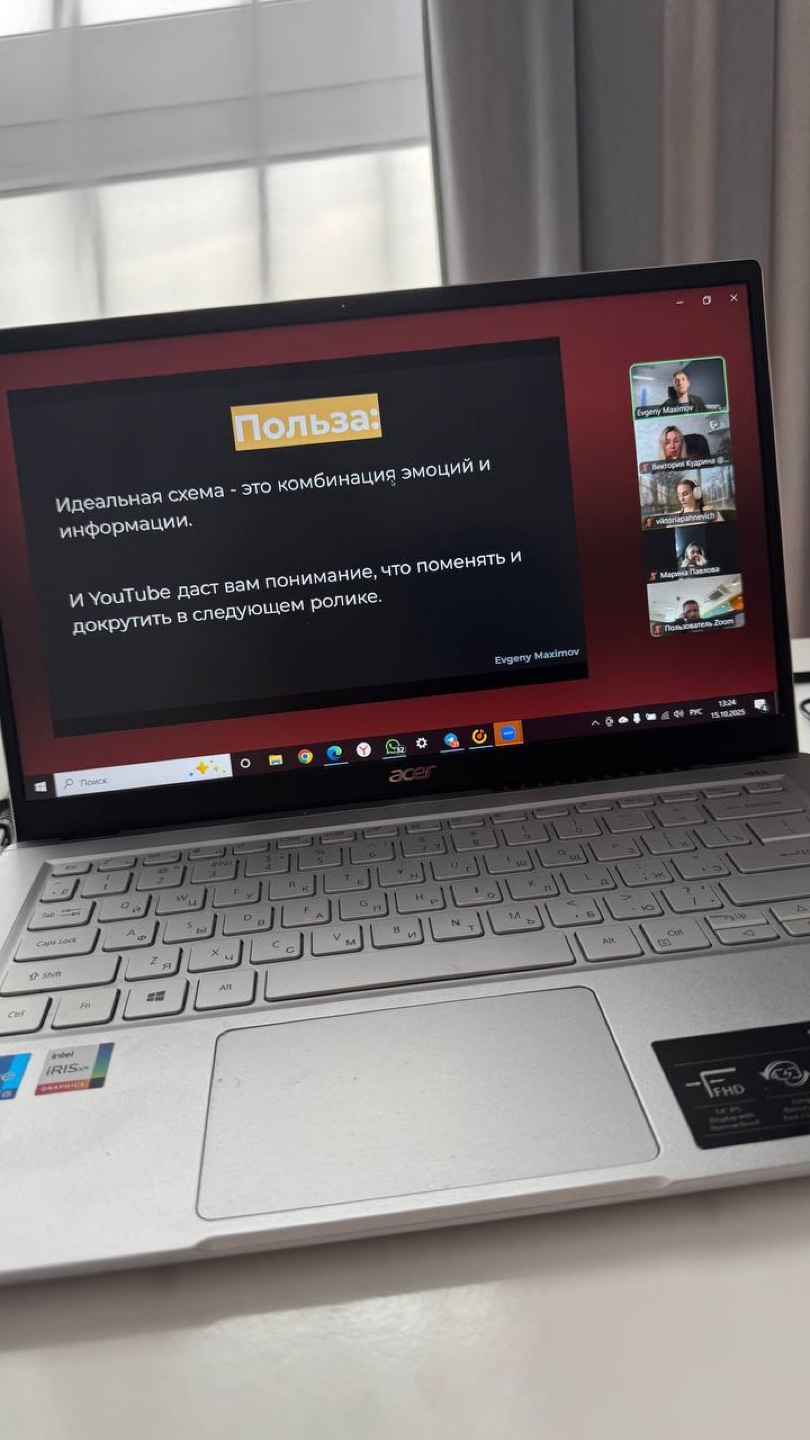
I suggested reviewing your own videos once a month. Take three that did well and three that struggled. Compare how they open, how clearly you can hear the speaker, and how easy it is to follow what’s on screen.
On the next shoot, change one thing. You might open with an example and explain it afterward. At your next review, you’ll know exactly what you were testing.
On our YouTube production page, I explain how we pick topics, organize shoots, and get videos ready to publish.